Baselines and Versions
Capture project baselines to track schedule variance and compare historical versions of your schedule.Feature Spec Reference
Module 3 context, Module 8 (implied)What Is a Baseline?
A baseline is a snapshot of your project schedule at a specific point in time. Common baseline points:- Project Approval: Baseline at kickoff, before any work begins
- Phase Completion: Baseline after each major phase
- Contract Amendment: Baseline when schedule is officially updated
- Monthly Snapshots: Regular baseline for trend analysis
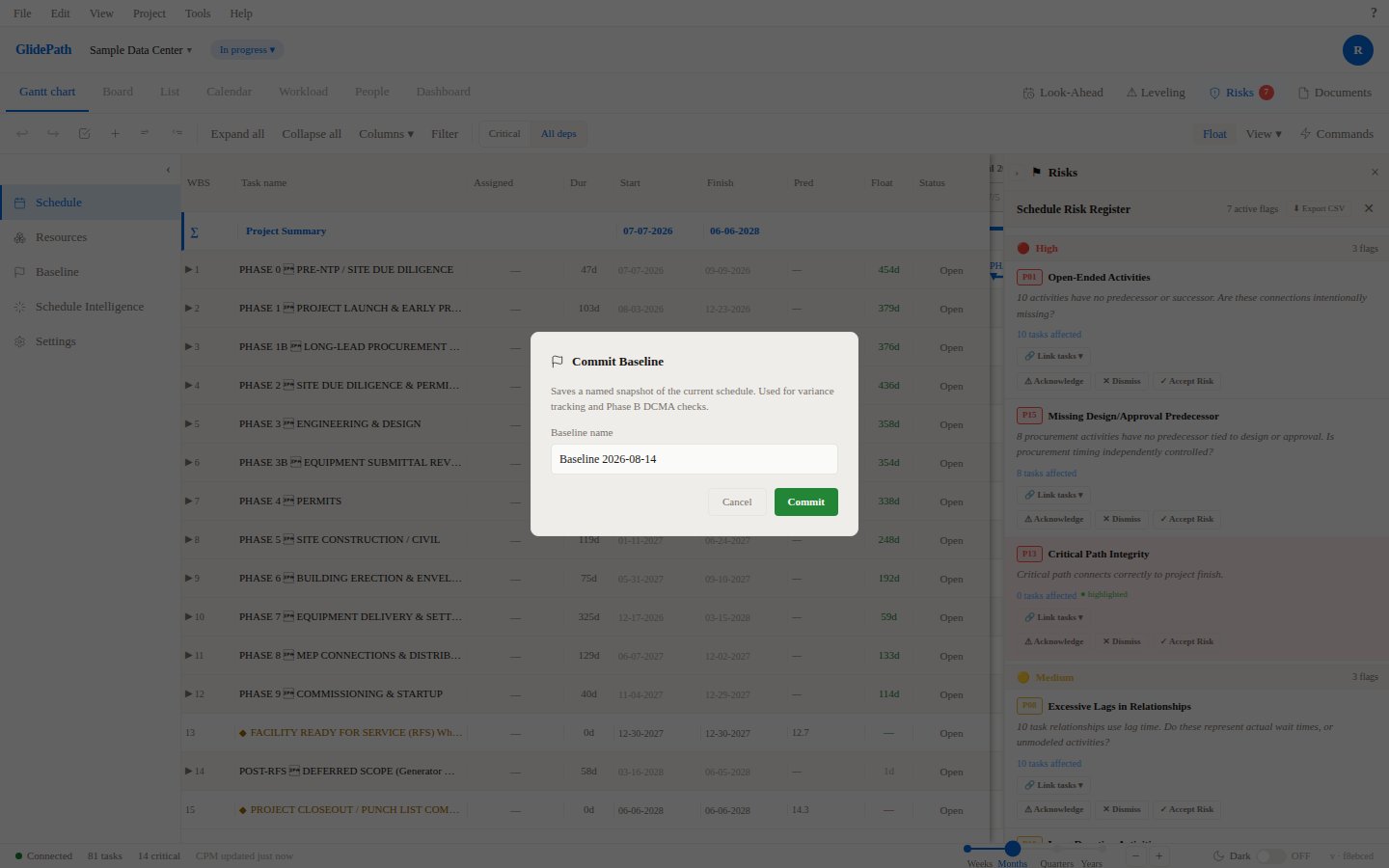
Capturing a Baseline
Step 1: Establish the Baseline
- Open Project Settings → Baselines
- Click + Capture Baseline
- Enter:
- Baseline Name (e.g., “Approved Schedule”, “Phase 1 Complete”, “Revision 1”)
- Description (optional, e.g., reason or context for the baseline)
- Date (defaults to today)
- Click Capture
Step 2: Baseline Saved
- GlidePath saves current task list, dates, durations, dependencies
- Baseline is stored with snapshot date and description
- You can now edit the schedule; baseline remains unchanged
Comparing Variance
Once a baseline is captured, you can compare current schedule to baseline:- Open Gantt Chart → View menu
- Select Show Baseline Comparison
- Baseline dates appear alongside current dates in columns:
- Baseline Start vs. Current Start
- Baseline Finish vs. Current Finish
- Variance = Current Date - Baseline Date
Variance Indicators
- Green: On or ahead of baseline
- Yellow: 1–5 days behind baseline
- Red: >5 days behind baseline
Baseline History
In Project Settings → Baselines, you see:- List of all captured baselines
- Date captured
- Number of tasks
- Description/notes
Using Baseline History
- Restore Previous Baseline: If major changes occurred, you can restore a previous baseline
- Delete Old Baseline: Remove baselines no longer needed (after archiving project, etc.)
- Export Baseline: Export a specific baseline’s dates to CSV for reporting
Screenshot