Critical Path
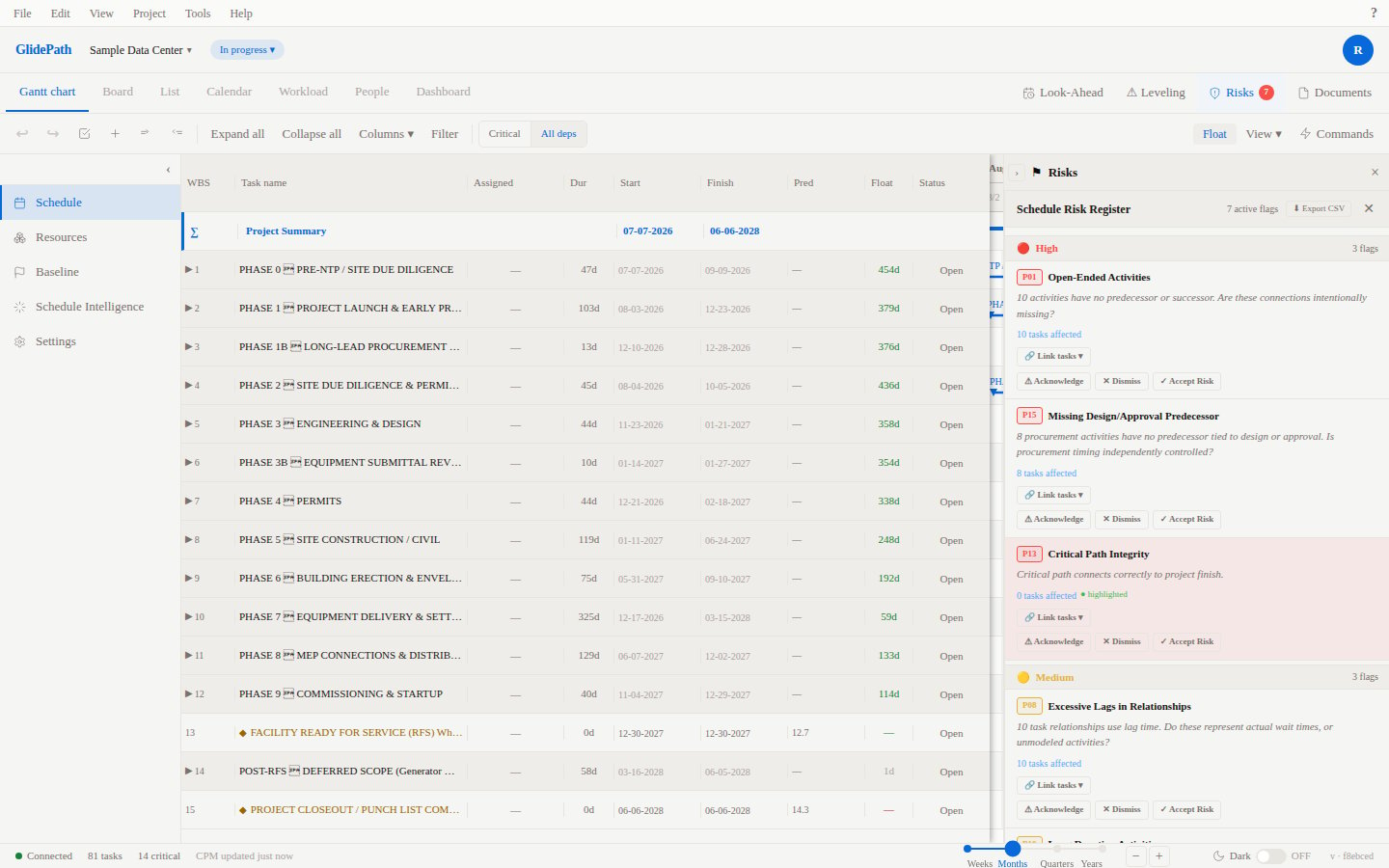
The critical path is the longest chain of dependent tasks from project start to finish. Any delay to a task on the critical path delays the entire project by the same amount. GlidePath calculates and highlights the critical path automatically every time the schedule changes.Feature Spec Reference
Module 3.3 — Critical Path Visual TreatmentModule 3.2 — Backward Pass
What Makes a Task Critical
A task is on the critical path when its total float is zero — it has no scheduling flexibility. If you move it even one day later, the project end date moves the same amount. Total float is calculated as:Visual Indicators
GlidePath uses color coding to distinguish critical from non-critical tasks:Enabling the Float Column
To see exact float values:- Click Columns in the Gantt toolbar
- Check Float
- Each task row shows its float in days
How CPM Calculates the Critical Path
GlidePath runs a two-pass CPM algorithm every time the schedule changes:Forward Pass (Earliest Dates)
Starting from the project start date, GlidePath calculates the earliest start and earliest finish for every task:- Each task’s earliest start is the latest finish of all its predecessors (plus any lag)
- Each task’s earliest finish = earliest start + duration
Backward Pass (Latest Dates)
Working backward from the project end date, GlidePath calculates the latest start and latest finish for every task without delaying the project:- Each task’s latest finish is the earliest latest start of all its successors (minus any lag)
- Each task’s latest start = latest finish - duration
Float Calculation
Float = Latest Start - Earliest Start (same as Latest Finish - Earliest Finish). Tasks with zero float form the critical path.Multiple Critical Paths
Complex projects often have more than one critical path — several chains of tasks that all drive the project end date simultaneously. GlidePath highlights all of them in red. This is normal and expected in large schedules.Near-Critical Tasks
Tasks with small float values (1-3 days) are near-critical and deserve attention even though they are not technically on the critical path. Use the Float column to identify them and monitor them during project execution.Critical Path and Constraints
Constraints interact with the critical path:- A Must Start On or Must Finish On constraint forces a task to specific dates, which can create or eliminate float on connected tasks.
- Start No Earlier Than constraints can shift the critical path by delaying a task’s earliest possible start.
Screenshot