Milestones and Constraints
Feature Spec Reference
Module 2.8, Module 2.7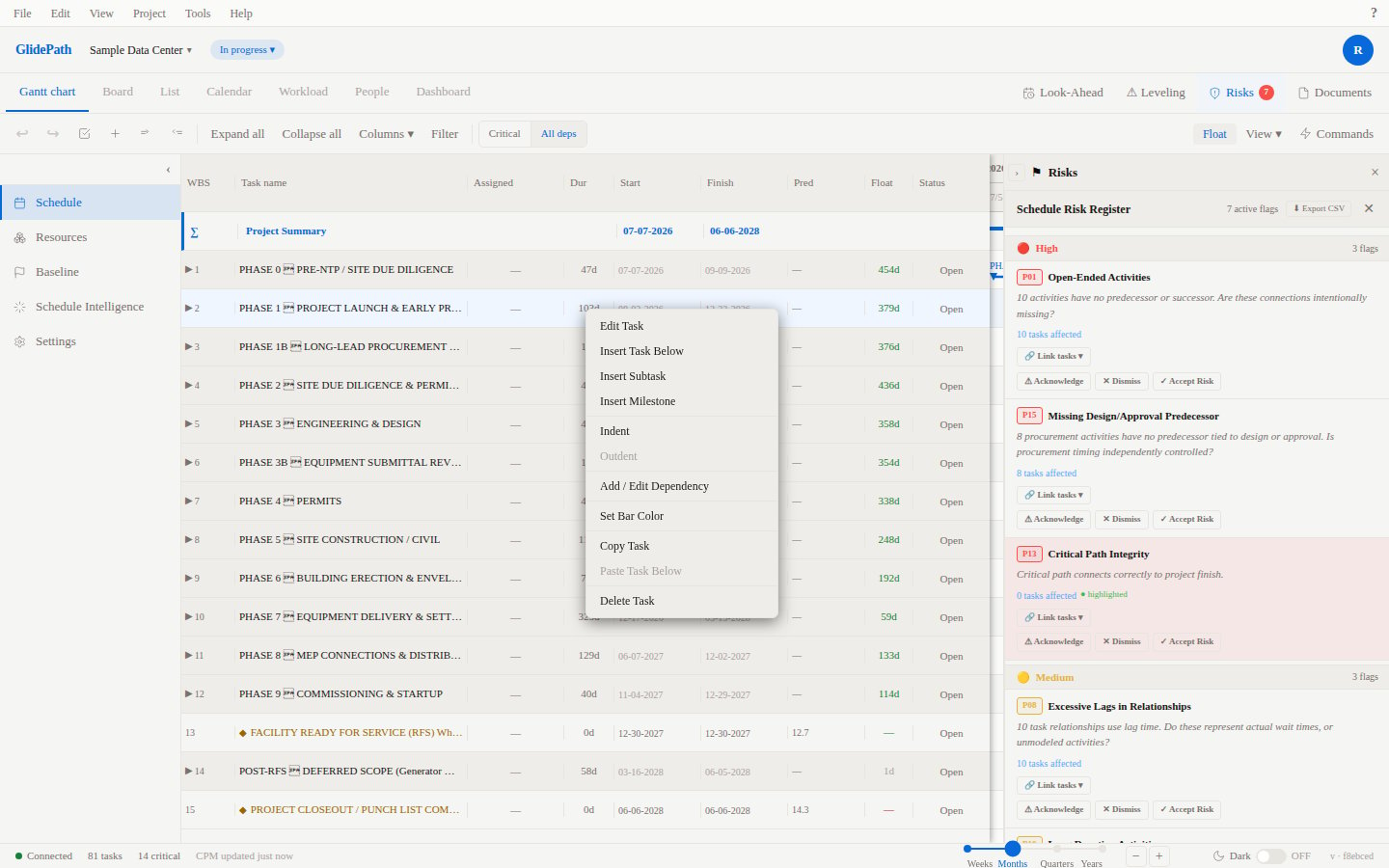
Milestones
A milestone is a task with zero duration (0 days) that marks a significant point in time—project kickoff, phase completion, client review, etc.Creating a Milestone
- Create a new task
- Set Duration = 0 (zero)
- Task is rendered as a diamond shape on the Gantt timeline
Constraint Types
Constraints control when a task can be scheduled:Applying a Constraint
- Select the task
- In Task Detail Panel, change Constraint Type
- If constraint requires a date, the Constraint Date field appears
- Set the constraint date using the date picker
- CPM recalculates respecting the constraint
Screenshot