Preferences and Defaults
Configure personal preferences for how GlidePath behaves, including defaults for new projects and notification settings.Feature Spec Reference
Module 1.1 (defaults), Module 5 (calendar)Accessing Preferences
- Click User Menu (top right, your name or avatar)
- Select Preferences
- Preferences panel opens
Project Defaults
When you create a new project, these defaults are used:Currency
- Default: USD
- Options: USD, EUR, GBP, CAD, AUD, SGD, JPY
- Applied to all new projects
Work Week
- Default: Monday–Friday (5 days)
- Apply to all new projects
Hours Per Day
- Default: 8 hours
- Applied to all new projects
Task Defaults
When you create a new task:Start Date
- Default: Today
- Option: First day of next week, specific date, etc.
Duration
- Default: 1 day
- Option: Customize to your typical task length
Constraint Type
- Default: ASAP
- Changed per-task, but this sets the suggestion
Application Settings
Theme
- Light mode: Default light color scheme
- Dark mode: Dark color scheme (easier on eyes in dim light)
- System: Follow operating system setting
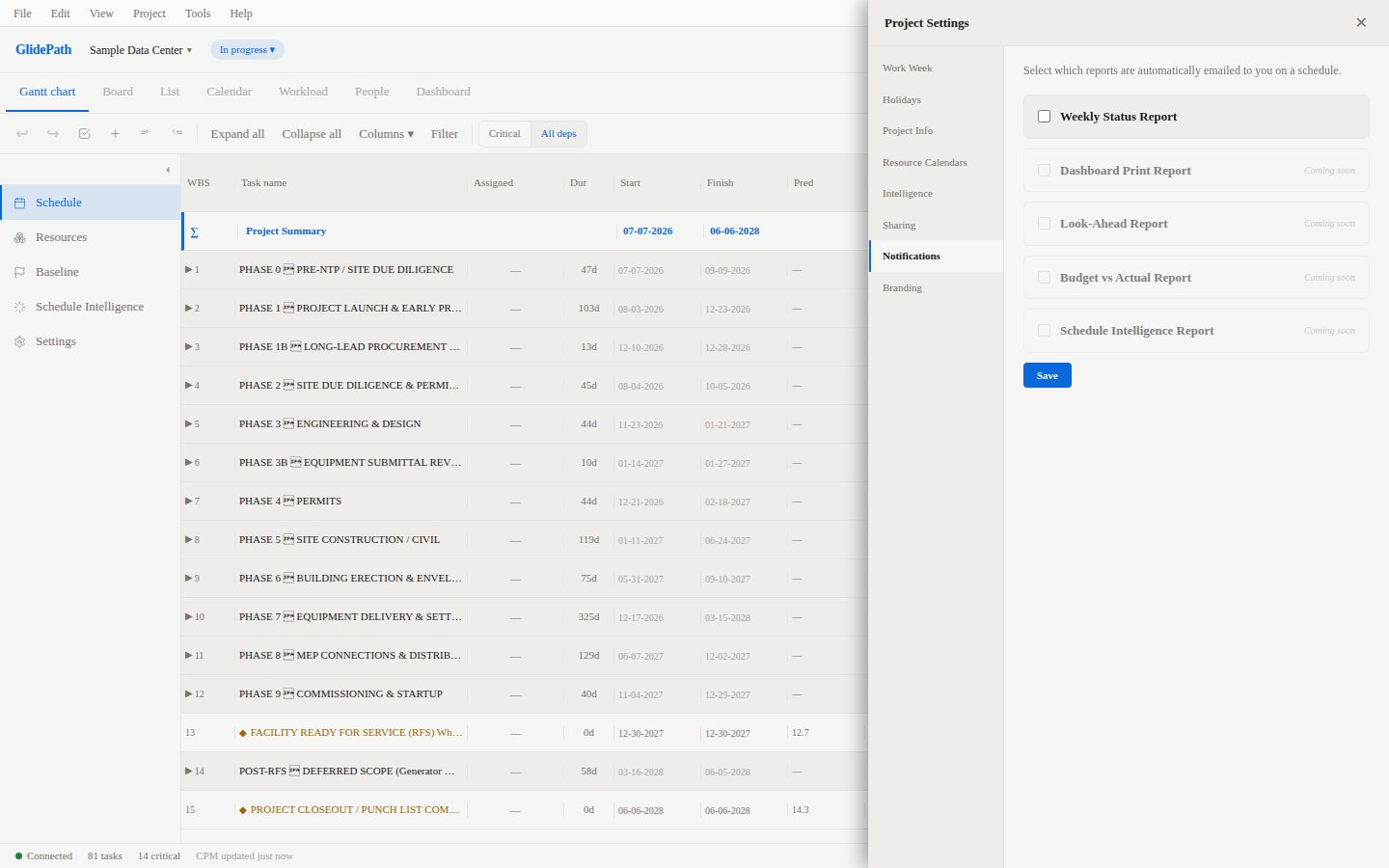
Notifications
- Email on Task Assignment: Receive email when assigned to a task
- Email on Status Changes: Get notified when project milestones are reached
- Weekly Look-Ahead: Receive weekly look-ahead report via email
- Risk Alerts: Get notified when risks change status
Display
- Compact Mode: Reduce spacing for more tasks on screen
- Highlight Critical Path: Always show critical path in red (default on)
- Show Float in Color: Color-code by float/slack (default on)
Keyboard Shortcuts
View all keyboard shortcuts configured in:- Help → Keyboard Shortcuts, or
- Preferences → Keyboard Shortcuts
Screenshot
Common Configuration
For Scheduler
- Theme: Light (for all-day work)
- Hours Per Day: 8
- Work Week: Mon–Fri
- Notifications: All enabled (stay informed)
For Manager
- Theme: Light or Dark (preference)
- Notifications: Daily or weekly summary preferred
- Currency: Set to project currency